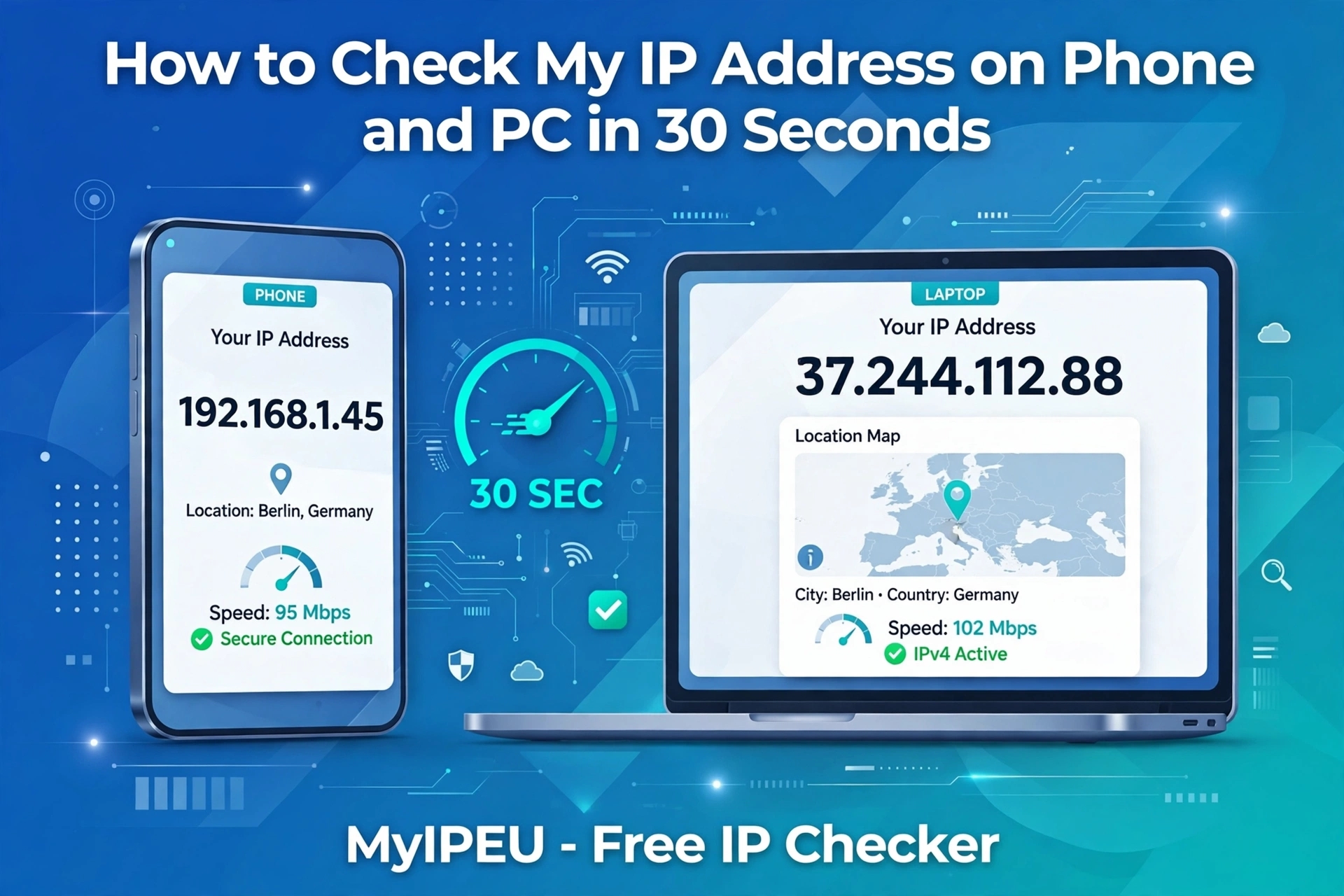
How to Check My IP Address on Phone and PC in 30 Seconds
Do you want to know your IP address quickly? You don’t need any app. You can check it in 30 seconds on your phone or computer.
What is an IP address?
An IP address is a number that identifies your device on the internet. Without it, websites cannot send you data.
How to check on Android phone:
- Open Settings
- Go to About Phone > Status > IP Address
Or just open myipeu.com and it will show your IP instantly.
How to check on iPhone:
- Open Settings
- Tap Wi-Fi > tap the (i) next to your network
- You will see your IP address there.
How to check on Windows PC:
- Open Settings > Network & Internet
- Click your Wi-Fi network
- Under Properties, you will see your IPv4 address.
Why check your IP?
To find your location, check your internet provider, or see if your VPN is working correctly.
Use MyIPEU to check your IP, location, DNS, and VPN status in one click. It’s free and fast.
That’s it. Now you know your IP anytime.